Are as-built drawings the same as design drawings?
No. Design drawings show intent. As-built drawings record the building as it was actually constructed, including field changes and existing conditions.

As-built drawings document what was actually built, not just what appeared in the design set. For contractors, architects, and owners, they are the working record of the real building.
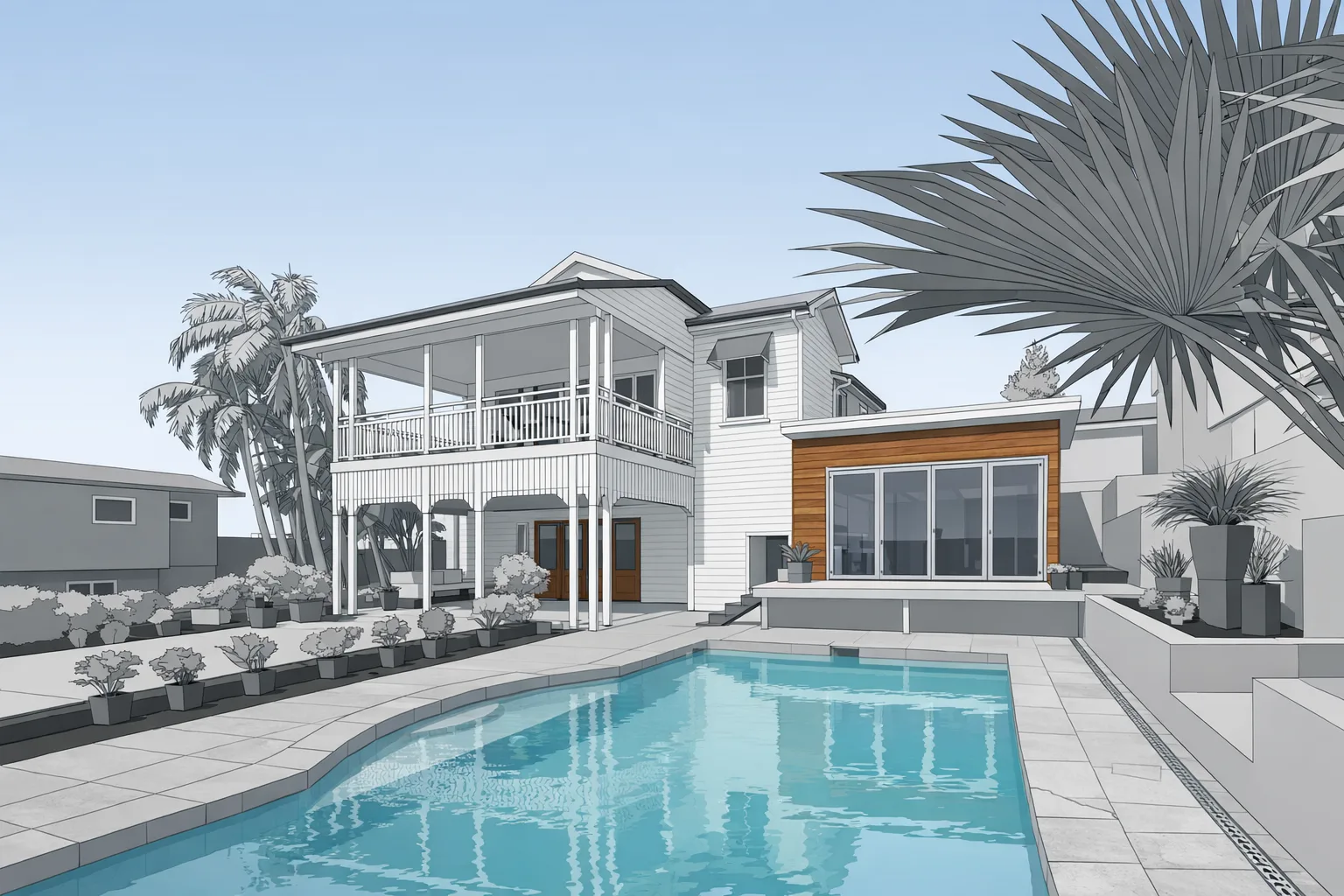
When people ask what are as-built drawings, the short answer is straightforward: they are drawings that show the building as it was actually constructed in the field. That matters because the design set is a plan. The as-built set is the record of reality. If framing shifted, an opening moved, a wall was furred out, or field conditions forced a change, the as-built drawing should reflect that condition.
In practice, as-built drawings are often the first dependable reference a renovation team has. Existing buildings rarely match old permit drawings exactly. Even relatively recent buildings can carry undocumented revisions from value engineering, trade coordination, or owner changes made during construction. That is why the distinction between as-built vs design drawings matters. Design drawings tell the team what was intended. As-builts tell the team what they actually have to work with.
That difference drives real project decisions. A contractor pricing a remodel needs accurate wall lengths, opening locations, and ceiling conditions. An architect planning an addition needs a reliable base file before layout and coordination begin. An owner may simply need a current record of the property for maintenance, future improvements, or insurance documentation. In each case, the job starts with the same requirement: document the building as it stands today.
A typical as-built package can include floor plans, exterior elevations, reflected ceiling information, wall locations, room dimensions, door and window openings, and other structural or architectural details relevant to the project scope. The exact deliverable depends on the building and on how the files will be used, but the goal is consistent: capture geometry and dimensions that a project team can trust.
For many renovation projects, the floor plan is the core deliverable. It establishes room relationships, circulation, and the footprint of walls, openings, and major built elements. Depending on the scope, teams may also need elevation views, ceiling heights, stair conditions, soffits, columns, beam drops, or documentation of irregular conditions that affect design and construction. Commercial work may require more coordination around obstructions, mechanical zones, or phased tenant improvements.
The important point is that as-built drawings are not decorative. They are job documents. They give estimators, designers, and field crews the information needed to reduce assumptions before work moves forward.
Traditionally, as-built drawings were created from tape measurements, handheld laser checks, field sketches, and a lot of judgment. That process still shows up on small jobs, but it has clear limits. Hand measuring takes time. It breaks down around awkward geometry. It is harder to capture ceiling conditions, soffits, offsets, and out-of-square conditions cleanly. It also depends on the person in the field noticing every condition that will matter later.
The bigger problem is what happens after the site visit. If one critical dimension is missed, the team often has to go back. If a room shape was sketched loosely, drafting becomes guesswork. If several people measured different areas, inconsistencies start showing up in the final plan. That is how small documentation errors turn into change orders, layout delays, and field questions.
LiDAR changes the documentation process by capturing a dense digital record of the building in one coordinated dataset. Instead of relying on isolated dimensions, the team works from point cloud information that reflects the actual geometry of the space. That does not eliminate drafting judgment, but it gives the drafter far more reliable source data than tape notes alone. For contractors and architects, the advantage is practical: fewer missed conditions, less re-measuring, and a better base for renovation decisions.
The best time to commission as-built drawings is before you start designing, pricing, or promising a scope that depends on the existing building. Renovation work is the obvious case. Before an addition, interior remodel, re-tenanting effort, or adaptive reuse project begins, the team needs current documentation. Old drawings may be incomplete, and field verification under schedule pressure is usually more expensive than doing the documentation correctly up front.
As-builts are also useful for insurance claims, restoration planning, and permit preparation. If a building needs to be documented before repair or before a code review package is assembled, accurate existing-condition drawings save time downstream. Owners also request as-builts simply to keep current records on file so future projects start from something better than guesswork.
For West Michigan contractors and architects, the pattern is consistent: the earlier the building is documented, the fewer surprises show up later. If your next project depends on knowing what is really there, start with a current as-built package instead of assuming the old set is close enough.
No. Design drawings show intent. As-built drawings record the building as it was actually constructed, including field changes and existing conditions.
Often yes. Current building records help with maintenance planning, insurance documentation, and future scope development.
Yes. They are commonly used as the base documentation for renovation planning, additions, and permit-related existing-condition packages.