LiDAR Building Scanning
Capture the existing building first — point cloud is the source for all BIM deliverables.
View this service
We convert LiDAR point cloud data into Autodesk Revit BIM models for architects and engineers working on renovation and existing-building projects. Accurate geometry from the actual building — not from old drawings. Most projects back in 1–2 days.
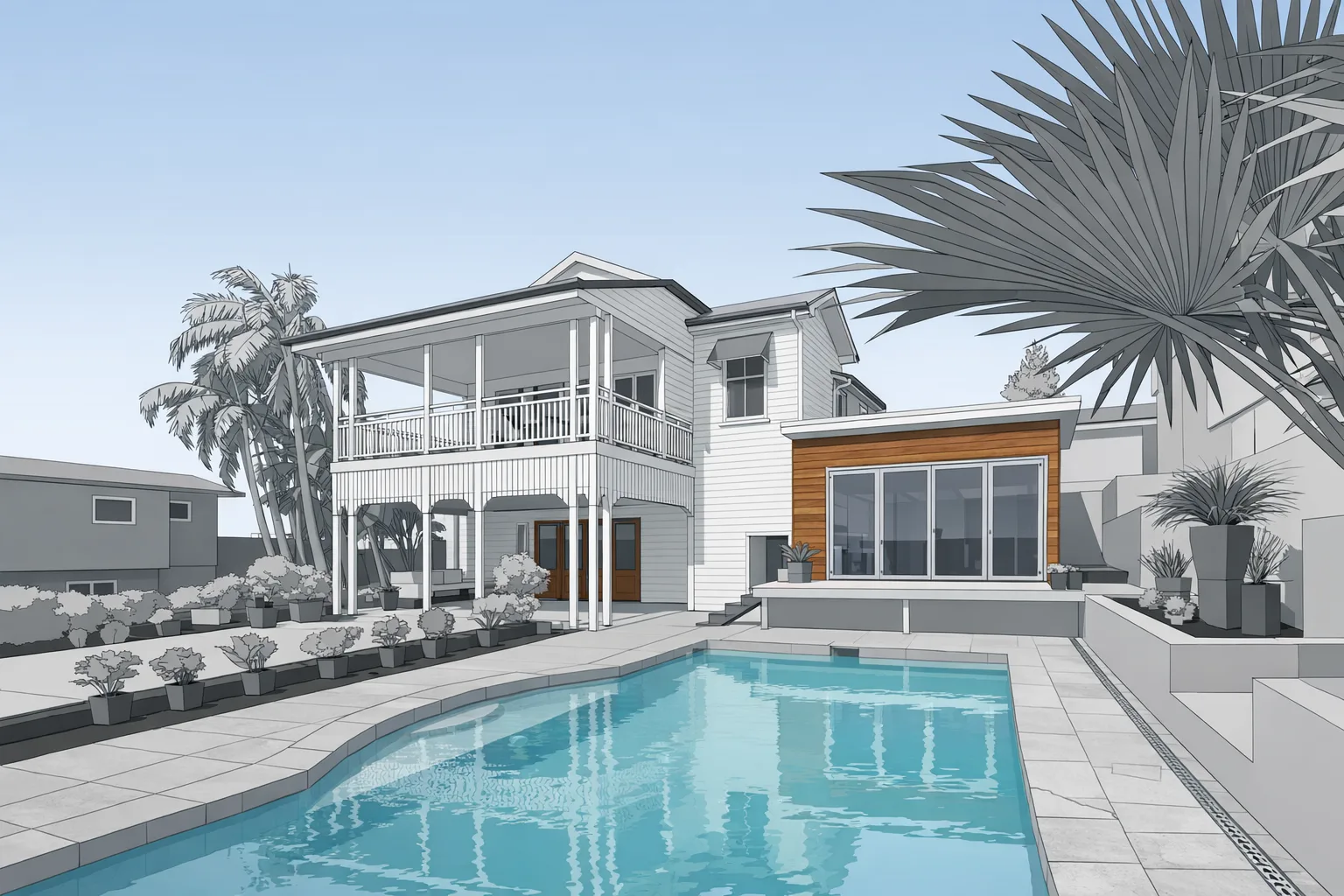
BIM — Building Information Modeling — is a way of representing a building as a 3D parametric model where each element (wall, door, window, floor slab, roof) is an intelligent object rather than just geometry. Autodesk Revit is the dominant BIM platform used by architects and structural engineers in the AEC industry.
Scan-to-BIM is the process of using a LiDAR point cloud as the source data for building a Revit model of an existing structure. Instead of working from outdated drawings or re-measuring by hand, a field technician captures the building using a LiDAR scanner, and our modeling team traces that scan data into a Revit model that accurately represents current conditions.
For renovation and adaptive reuse projects, this is the right starting point. The existing building has walls that aren't perfectly plumb, openings that differ from the original drawings, and conditions that accumulated over decades. A scan-based Revit model captures what's actually there — giving your design team a dependable base file from the first day of design development.
Both services start with the same LiDAR field capture. The difference is in what gets delivered:
If your firm works in Revit and you're designing a renovation, scan-to-BIM is the correct deliverable. If you need 2D drawings or a SketchUp model, scan-to-CAD is likely the better fit.
Level of Detail (LOD) in BIM describes how much information is included in each modeled element. For existing-building scan-to-BIM, the right LOD depends on the project scope — not on modeling everything as completely as possible.
LOD 200 captures overall building geometry: wall locations and thicknesses, floor-to-floor heights, opening locations, and major structural elements. This is appropriate for early design phases, schematic design, and coordination.
LOD 300 adds more specificity — dimensionally accurate geometry for walls, floors, and openings, plus elements like stairs, columns, and beams represented at their actual size and location. This supports design development, construction documents, and detailed coordination.
We typically scope to LOD 200 or 300 depending on the project. LOD 400 or above is usually only warranted for fabrication-level documentation and can be discussed for specific elements. We confirm LOD scope before modeling begins so there are no scope surprises at delivery.
Field scanning takes 1–2 hours on site. Revit modeling delivers in 1–2 days for most projects, up to 5 for larger buildings. Rush turnaround available — mention your deadline in the quote form.
Scan-to-BIM is the process of converting a LiDAR point cloud into a 3D parametric Autodesk Revit model. The Revit model contains walls, floors, ceilings, openings, and other building elements derived from actual measured geometry — not from original drawings that may no longer reflect what was built.
Scan-to-CAD produces 2D Autodesk AutoCAD drawings or 3D SketchUp files. Scan-to-BIM produces a 3D parametric Autodesk Revit model where each element is an intelligent object with properties. BIM is the right choice for architects and engineers working in Revit-based design workflows.
We typically deliver LOD 200 or LOD 300 for existing-building documentation. LOD 200 covers overall geometry and massing. LOD 300 adds dimensionally accurate walls, openings, stairs, and structural elements. We confirm scope before starting so you get what your project actually needs.
Field scanning takes 1–2 hours for most buildings. Revit modeling turnaround is 1–2 days for most projects, up to 5 for larger or more complex buildings. Rush delivery available — mention your deadline in the quote request.
Capture the existing building first — point cloud is the source for all BIM deliverables.
View this serviceAutodesk AutoCAD or SketchUp deliverables for teams that don't use Revit.
View this serviceHow architects use GRAB scan data as a starting point for design.
View industry details